10 Creative Ways to Repurpose An Old Android Phone
Have you ever been rummaging in a drawer for a cable, only to stumble upon an old mobile phone? That exact scenario happened to me recently with a Huawei P20 Pro from 2018. It reminded me that old smartphones are essentially fully portable computers, complete with batteries, Wi-Fi, and high-quality screens. Instead of leaving them in a drawer, you can put that hardware to work. Here are 10 tried-and-tested ways to give your old device a new lease on life.
1. High-Quality PC Webcam
Modern phone cameras often outperform budget webcams. You can link your mobile phone to your PC via USB or Wi-Fi using apps like DroidCam. As long as both devices are on the same network, it is incredibly simple to set up the phone app and PC client. This setup gives you the flexibility to position the camera anywhere without worrying about short cables. Keep in mind that while many of these apps are free, you may need to pay to unlock advanced features like removing watermarks or upgrading the video quality.

2. GPS Vehicle Tracker
Most Android phones have "Google Find My Device" built-in. By leaving an old phone (with a data plan) hidden in your car, van, or motorhome, you can track its location via your Google account. To maximise battery life, delete any unused apps, disable connection features like Bluetooth and NFC, and pair the device with a power bank. While there are paid apps that offer geo-fencing and notifications, the native Google option is generally the most power-efficient method.

3. Home Security/CCTV System
Apps like Alfred Camera turn your old phone into a motion-detecting security camera. It works like professional systems (such as Ring), offering playback history and schedules. It is perfect for monitoring your house or garage whilst you are away. Since it uses the camera for motion detection rather than infrared, it can even work seamlessly through window glass. Just remember not to mount it outside permanently unless the phone is fully waterproof.

4. Baby or Pet Monitor
Using an app like Simple Nanny, you can set up one device as a monitor and the old phone as the camera. These apps often include noise detection notifications and the ability to play lullabies remotely. Given the sensitive nature of these apps, always read the privacy policies and reviews before choosing one. While many are subscription-based, there are free alternatives available if you shop around.

5. Wireless PC System Monitor
You can monitor your PC's temperatures and performance wirelessly using Remote System Monitor. After installing the server software on your PC, you can create a custom dashboard filled with widgets to keep an eye on your hardware whilst gaming. Making a small donation to the developer typically removes adverts and unlocks the full dashboard functionality.

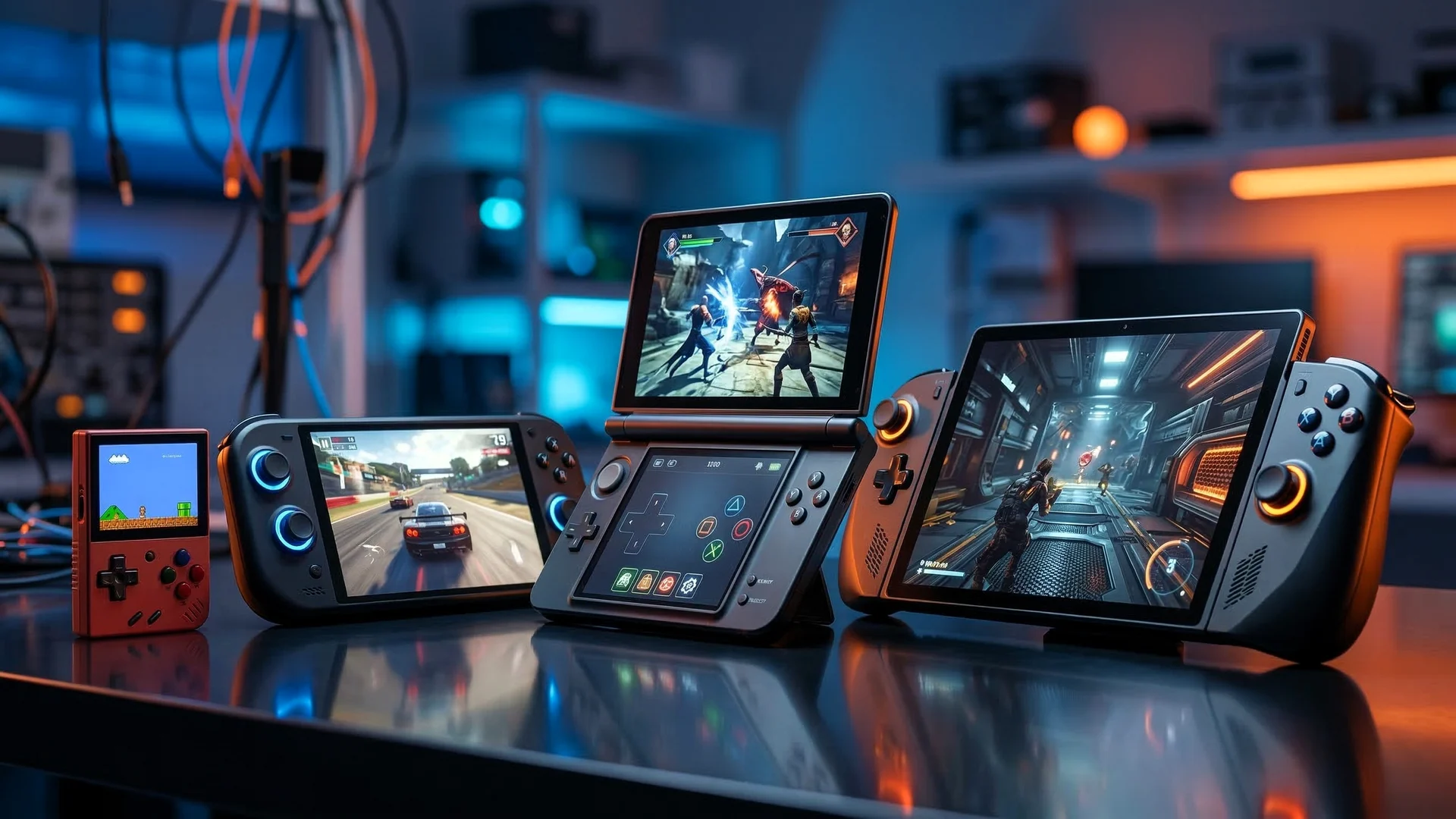
6. Dedicated Retro Gaming Machine
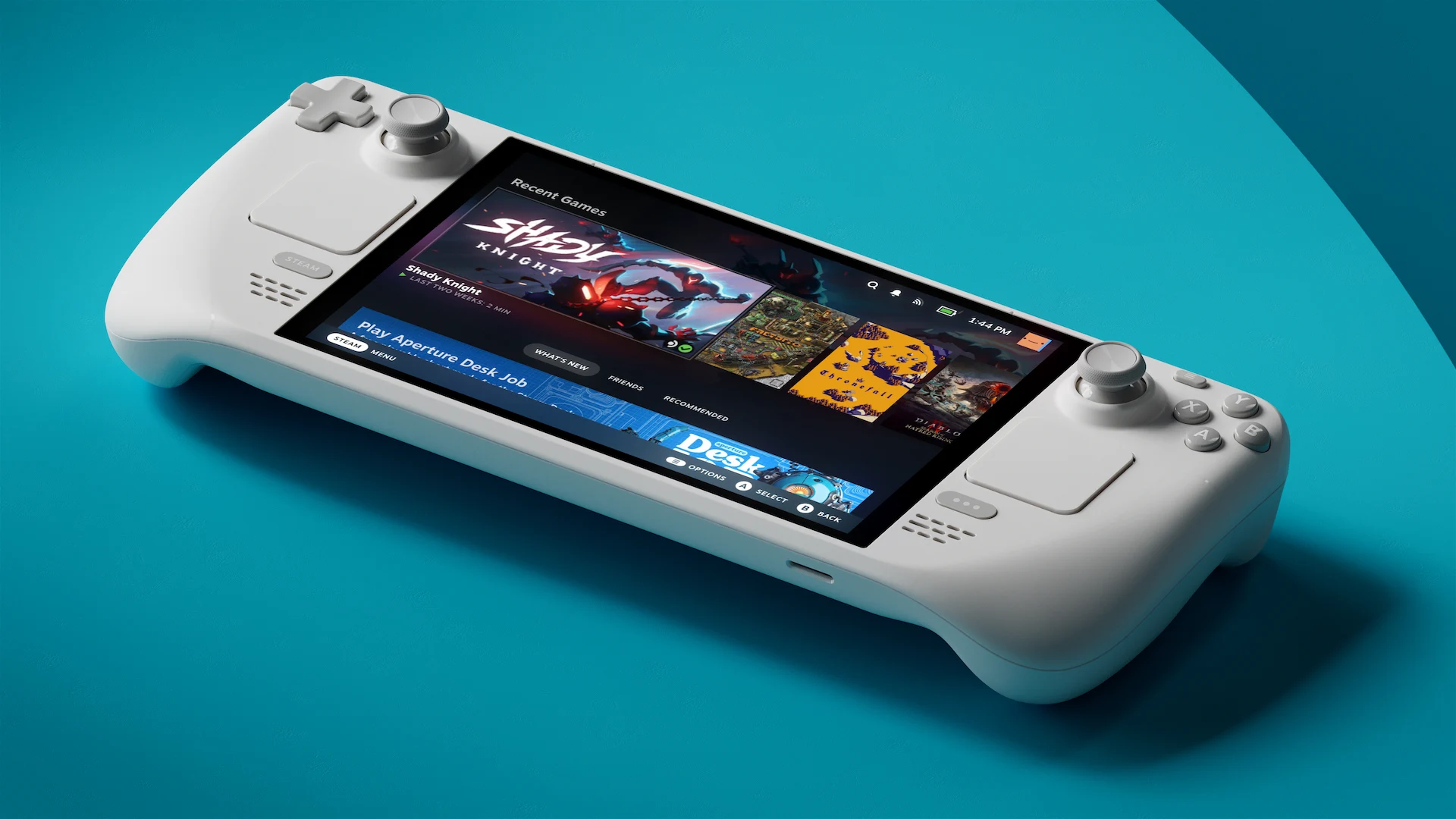
Turn your phone into a portable console by adding a Bluetooth controller and installing emulators from the Play Store. If your phone can connect to a TV, it becomes a brilliant living room setup for pure nostalgia. You can use all-in-one solutions like RetroArch or standalone emulators. Furthermore, it can also handle local streaming via Steam Link or PlayStation Remote Play.

7. Digital Stream Deck
The Touch Portal app lets you create single-touch buttons on your phone to launch PC applications or control OBS wirelessly. This is a great budget alternative for streamers or video editors. It is particularly handy for triggering media controls or editing shortcuts in programs like DaVinci Resolve.

8. Dedicated Dash Cam
Using an app like Droid Dashcam, your old phone can record your drives with features like loop mode, auto-start on power detection, and G-shock impact locking for insurance purposes. It can also collect location and speed data, and you can even configure it to automatically begin recording when it detects your car's Bluetooth.

9. Low-Cost VR Headset
Pair your phone with a mounting headset like Google Cardboard to experience VR videos and games at a fraction of the price of dedicated headsets. It is a fantastic way to watch 360-degree YouTube videos or even play PC VR games (though the latter requires a bit of fiddling). While it won't rival high-end dedicated headsets, it is a brilliant way to get a taste of virtual reality.

10. Budget B-Roll Camera
For content creators on a budget, an old phone is an excellent secondary camera to capture different angles while filming. It is a simple, zero-cost way to make your videos look far more professional.




About the Author: Chief Nerd
With over 15 years in IT and Cyber Security, I specialise in making tech accessible. NerdZap grew from a YouTube channel into a dedicated site for hardware reviews, guides, and tech news. I aim to share my industry experience while balancing life as a busy dad.